Overview
SystemCleaner is a Windows utility focused on practical improvements: local scans, storage recovery, startup speed, and privacy protection. The product needed a public-facing experience that made those benefits easy to understand before a visitor downloaded or tried anything.
Nexus treated the site as part of the product. Clear language, a focused visual system, and a direct route to the utility help the page answer the first question quickly: what does this do for my computer?
The Challenge
Utility software can lose trust when its value is buried in technical language or crowded by generic claims.
- Explain the core cleanup and performance benefits without overloading the visitor.
- Make privacy and local-scan positioning visible as trust signals.
- Give the product a credible identity beyond a list of features.
- Keep the page extensible for future releases and utility modules.
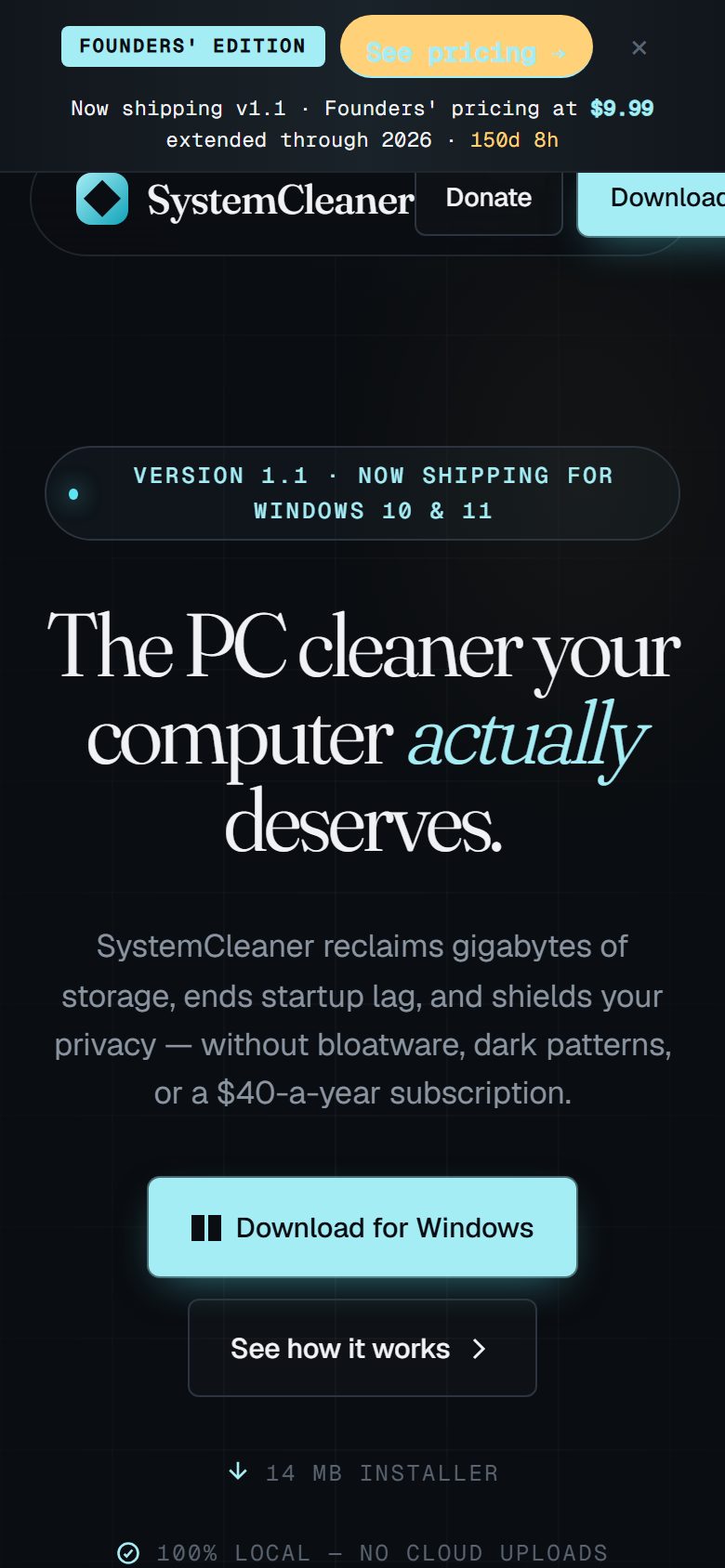 Responsive product story
 Desktop product presentation
What Changed
The experience organizes SystemCleaner around outcomes instead of implementation detail. Visitors can scan the promise, understand the main utility areas, and move toward the live product without navigating a long technical explanation.
The resulting product foundation is easier to extend with release notes, feature comparisons, trust documentation, and onboarding guidance as the utility evolves.
Next Build Pass
The next useful layer is product education: release history, scan-result examples, privacy details, and a lightweight onboarding path that turns first-time visitors into confident users.